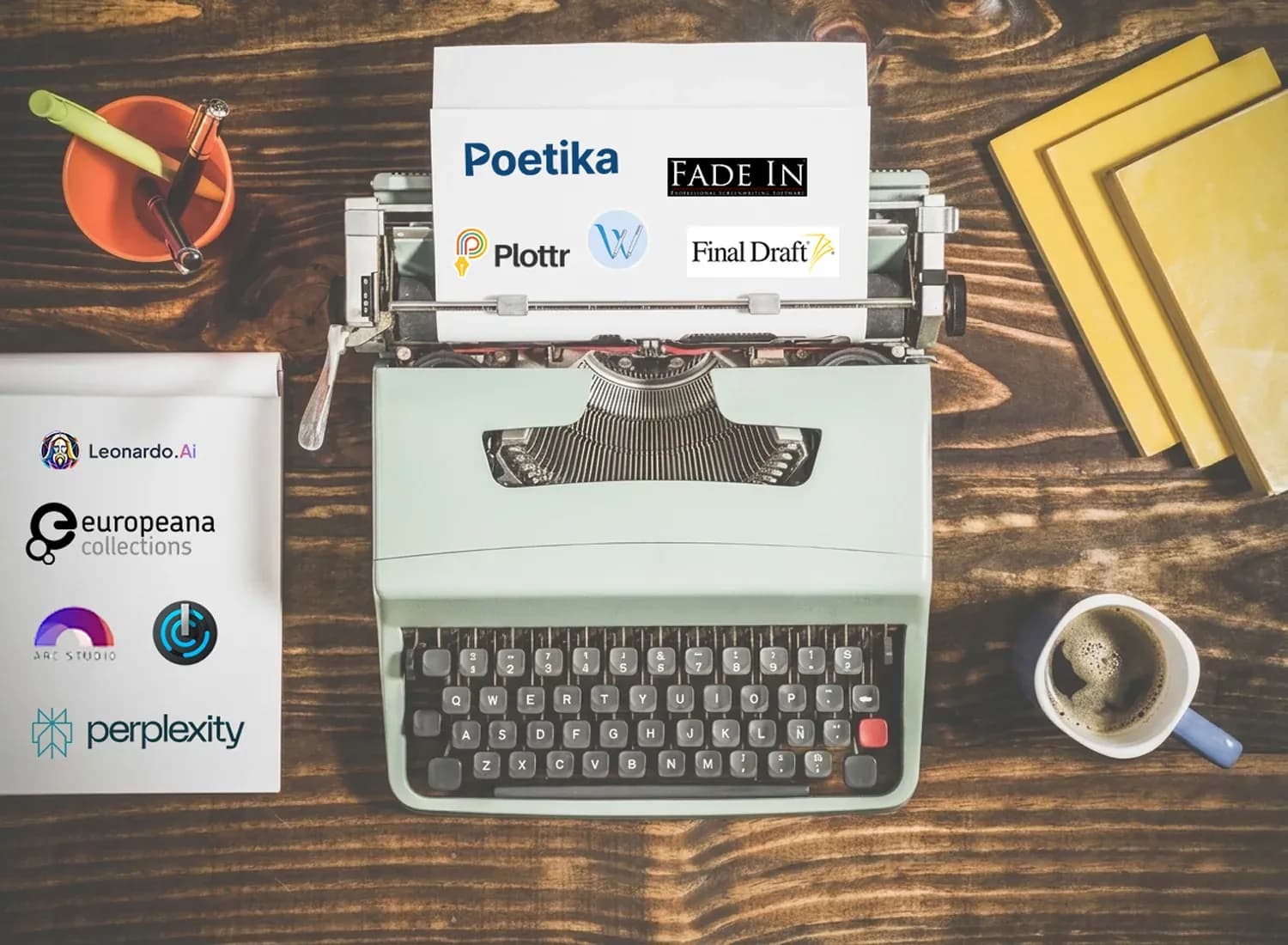
There is a romantic image of the screenwriter at work: a typewriter, a stack of paper, a pot of coffee, and nothing else. For much of the twentieth century, that image was not just romantic, it was accurate. Writing meant sitting down with an idea and a blank page. Research happened in libraries. Revisions happened by hand. Feedback came from other people, often weeks or months later.
That is no longer how most screenwriters work. While the fundamentals of storytelling have remained remarkably consistent, the tools surrounding the craft have changed dramatically. Today, a writer can research a historical setting in minutes, organize ideas visually, collaborate remotely, receive instant formatting, and even use AI to analyze a draft before anyone else reads it.
None of these tools replaces the hard work of writing. A great screenplay still depends on compelling characters, clear structure, and scenes that earn their place. But good tools can remove friction, speed up development, and help writers spend more time solving creative problems instead of technical ones.
This guide maps the modern screenwriter's toolkit from writing software and research resources to development and AI-powered analysis. You won't need every tool on this list, but understanding what each one does will help you build a workflow that fits the way you write.
1. Screenplay Formatting Software
Before anything else, you need software that formats your screenplay correctly. Industry-standard formatting; proper margins, scene headings, dialogue spacing, character cues, and transitions is not optional. A screenplay that looks unprofessional can create the wrong impression before a reader has even reached the first page.
Fortunately, modern screenwriting software handles formatting automatically. The real differences lie elsewhere: outlining tools, revision management, collaboration, cloud syncing, ease of use, and price. None of these applications will make you a better writer on their own, but choosing one that fits your workflow can make the writing process smoother and more enjoyable.
Final Draft
For more than three decades, Final Draft has been the industry's default screenwriting software. Its greatest advantage is not that it produces better screenplays, and it doesn't, but that virtually everyone in film and television can open a Final Draft file without compatibility issues. If you're collaborating with other writers, submitting to production companies, or working in a professional environment, that matters.
Beyond formatting, Final Draft includes revision tracking, production tools, collaboration features, and Story Map for visual outlining. While its interface has improved over the years, it still feels rooted in a traditional workflow compared to some newer competitors.
The biggest drawback is its price, which can be difficult to justify for beginners or hobbyists. Still, if you want the industry standard without worrying about compatibility, Final Draft remains the safest choice.
Arc Studio
Arc Studio has quickly established itself as one of the strongest alternatives to Final Draft. Built around a clean interface and cloud-based workflow, it allows writers to move naturally between outlining and drafting without switching between multiple applications.
One of its biggest strengths is how well it integrates story development into the writing process. Planning, restructuring, and writing feel like parts of the same workflow rather than separate tasks. Collaboration is also one of Arc Studio's strongest features, making it an excellent choice for co-writers or teams. It is best for writers who are looking for a modern, cloud-based writing experience with excellent outlining tools.
Fade In
Fade In has earned a loyal following by focusing on the fundamentals. It offers professional screenplay formatting, revision tracking, version management, and Final Draft compatibility without trying to overwhelm users with unnecessary features.
Despite its relatively affordable price, it comfortably supports professional workflows and is available across multiple platforms. It may not have the polished ecosystem of some competitors, but it is fast, reliable, and widely respected by working writers. Fade In also offers a free version despite its low price, making it especially accessible for writers who want to try it before committing. It remains one of the best-balanced options in terms of price and professional features.
Highland 2 (Mac Only)
Created by screenwriter John August, Highland takes a different approach to screenwriting software. Instead of storing scripts in a proprietary format, it uses Fountain, a lightweight plain-text markup language that keeps your screenplay readable even outside the application.
The interface is intentionally minimalist, removing visual clutter and allowing writers to focus almost entirely on the page. For many writers, this distraction-free environment makes drafting feel closer to writing than operating software. Its biggest limitation is simple: Highland is only available on macOS. For Mac users who prefer a clean, distraction-free writing environment, it remains one of the most elegant writing tools available.
WriterDuet
WriterDuet was built around one idea: collaboration. Multiple writers can work on the same screenplay simultaneously, leave comments, review revisions, and see changes in real time without constantly exchanging files.
Although it includes all the standard formatting and outlining features expected from modern screenwriting software, its collaborative workflow is what sets it apart. For writing partnerships, television writers' rooms, or anyone developing scripts with frequent feedback, WriterDuet is one of the strongest options available.
2. Story Development Tools
Formatting software is where a screenplay takes its final written shape. Development tools are where it actually begins to take form. Before a single scene is written, most screenplays exist as fragments: ideas, character notes, structural questions, bits of dialogue, and scenes that may or may not belong. Development tools exist to hold that uncertainty long enough for it to become structure.
Scrivener
Scrivener is not a screenwriting tool in the strict sense, but it has become one of the most widely used development environments among writers. Its strength lies in its flexibility. You can break a story into scenes, rearrange them freely, and keep research, notes, character documents, and drafts in a single project.
The corkboard view mirrors the physical index card method many writers use when shaping structure. It allows you to step back and see the story as a whole before committing to a draft. Most writers eventually move from Scrivener into dedicated screenwriting software like Final Draft or Arc Studio once the structure is in place.
Plottr
Plottr is built specifically for visual story planning. It allows writers to map out plot points, character arcs, and narrative structure in a clear, timeline-based interface.
Unlike Scrivener, which is flexible and open-ended, Plottr is more structured. It encourages you to think in terms of acts, beats, and progression from the beginning. This makes it particularly useful for writers who prefer to see the entire architecture of a story before writing individual scenes.
Many writers use Plottr as a bridge between early ideas and a first draft, especially when transitioning into screenwriting software.
Aeon Timeline
Aeon Timeline is a more specialized tool, designed for stories where time matters. It allows you to track events, character arcs, and narrative threads across a detailed timeline, making it especially useful for complex or multi-layered stories.
It is often used alongside Scrivener rather than replacing it. While Scrivener helps organize material spatially, Aeon Timeline adds a temporal layer, helping writers ensure consistency across events and character development.
This makes it particularly useful for historical stories, crime narratives, or any screenplay where chronology is central to the plot.
Visual Boards (Milanote, Miro, Notion)
Some writers think more clearly in space than in linear structure. Visual boards replicate the index card method in digital form, allowing scenes, ideas, and character notes to be arranged and rearranged freely.
Tools like Milanote and Miro are especially effective for visualizing story structure at a glance. Notion, on the other hand, is better suited for writers who prefer structured databases for tracking characters, timelines, and world-building elements.
These tools are less about writing and more about seeing the story from a distance before committing to a draft. A screenplay is rarely discovered fully formed. It is built through a series of structural decisions made long before the first page is written. These tools exist to make those decisions visible, flexible, and easier to test.
3. Research Tools: Archives, Libraries, and Primary Sources
Every screenplay requires research. Even stories set in familiar environments depend on a level of specificity that makes them feel real rather than generic. But the type of research a screenplay needs is not always the kind you find through a quick search. It is often slower, more specific, and closer to primary sources than general information.
For that reason, the most useful research tools are not search engines. They are archives, libraries, and collections built from original material.
Your Own Library
The most overlooked research resource is often already on your shelf. Books, essays, academic texts, and reference materials collected over time form a kind of personal archive that is difficult to replicate online. For screenwriters working on a specific period, profession, or cultural setting, revisiting physical or long-form material can reveal details that are often missing from summaries or online descriptions. In many cases, building a temporary “project library” for a single screenplay is one of the most effective research strategies available.
Europeana (europeana.eu)
Europeana is a digital platform that aggregates collections from over 3,000 cultural institutions across Europe, including museums, libraries, archives, and galleries. It contains millions of digitized photographs, manuscripts, maps, artworks, newspapers, and film material.
For screenwriters working with European history or cultural settings, it functions less like a database and more like a visual time machine. Much of the material is in the public domain and can be freely explored or downloaded, making it particularly useful for visual and atmospheric research.
David Rumsey Map Collection
The David Rumsey Map Collection is one of the largest online archives of historical maps, containing over 150,000 maps spanning five centuries.
For screenwriters, maps are not just geographical references, they are narrative tools. They reveal how people moved through space, how cities were structured, and how geography shaped daily life in ways that text descriptions often miss. A map of a city in the 19th century, for example, can immediately suggest story possibilities that would not be obvious otherwise.
National and Government Archives
Most countries maintain publicly accessible digital archives containing official records, photographs, legal documents, and historical material. Institutions such as the U.S. National Archives, the British National Archives, and the German Bundesarchiv provide searchable access to large collections of primary sources.
For screenplays based on real events or requiring factual accuracy, these archives offer material that is closer to “truth” than secondary summaries or interpretations.
Internet Archive
The Internet Archive is a vast digital library containing books, newspapers, films, audio recordings, and archived websites. It is particularly useful for accessing out-of-print material and historical media that would otherwise be difficult to find.
The Wayback Machine, in particular, allows you to view older versions of websites, which can be valuable when writing stories set in the recent past where digital culture matters.
University and Academic Libraries
Many university libraries provide access to academic databases such as JSTOR and Project MUSE, as well as discipline-specific archives in fields like history, medicine, sociology, and science.
While less immediately accessible than public archives, these sources offer a level of depth and reliability that is difficult to match. For screenplays that depend on technical accuracy or specialized knowledge, academic research often becomes essential rather than optional.
4. AI-Powered Tools: The New Category
This is the newest section of the screenwriter’s desk and the one that has changed the development process most dramatically in recent years.
AI tools for screenwriters now fall into several distinct categories: analysis and coverage, writing assistance, research, production planning, and visual development. Each serves a different stage of the process, and each reflects a different way of thinking about what a “tool” can actually do for a writer.
Leonardo.Ai — Visual Development and Storyboarding
Leonardo.Ai is an AI image generation platform with tools designed for cinematic and storyboard-style visual development. Screenwriters and directors use it to translate written scenes into visual references, experimenting with composition, tone, and atmosphere before production begins.
Its Character Reference feature helps maintain visual consistency across multiple generated images, making it useful not just for mood boards, but for building coherent visual sequences. With a free tier and commercial usage options, it is also accessible at an early stage of development.
Poetika — Screenplay Analysis and Coverage
Poetika is an AI screenplay analysis and coverage platform built specifically for writers at every level, from students developing their first feature to working professionals refining a final draft.
Upload your screenplay and receive detailed feedback on structure, character development, pacing, dialogue, thematic coherence, and overall narrative clarity. The goal is not to “score” a script, but to help writers understand how their story is working on the page.
What distinguishes Poetika from general-purpose AI tools is its focus on the language and conventions of screenwriting itself. The feedback is grounded in craft rather than generic storytelling advice notes that speak directly to how screenplays are actually read, evaluated, and developed in professional contexts. For writers preparing to send a script to a producer, competition, or collaborator, it functions as a first read: a way to see the script through another set of trained eyes before it reaches anyone else.
FinalBit — All-in-One AI Filmmaking Platform
FinalBit (formerly NolanAI, rebranded in 2025) is an AI-powered filmmaking and pre-production platform that combines screenwriting, story development, script breakdown, budgeting, scheduling, and pitch deck generation in a single workspace.
Its AI co-pilot assists with drafting and dialogue, while automated script breakdown extracts characters, locations, props, and scenes in seconds. Rather than focusing purely on writing, FinalBit positions itself as an end-to-end production environment, particularly suited for writer-producers moving from script to pre-production.
Perplexity — AI-Powered Research
Perplexity combines web search with AI synthesis, returning sourced answers instead of isolated links. For screenwriters, it is especially useful during development and drafting when quick, reliable context is needed.
Whether it is understanding how a specific profession works, clarifying procedural details, or researching real-world events, Perplexity helps bridge the gap between general curiosity and usable, verifiable information. The presence of sources also makes it easier to double-check accuracy — an important factor when writing grounded, realistic stories.
Scriptbook AI — Automated Coverage and Script Evaluation
Scriptbook AI is one of the earlier AI-driven screenplay analysis tools, offering automated coverage, character evaluation, and high-level assessment of a script’s commercial and structural potential.
Its approach is more evaluative than developmental. Instead of focusing deeply on scene-level craft or rewriting suggestions, it tends to emphasize overall performance metrics, scoring, and broad structural feedback.
For writers who want a quick sense of how a script might be received at a high level, it can be useful as an early checkpoint. However, for more detailed, craft-oriented development work, its feedback can feel more generalized.
AI tools are not replacing the screenwriter’s process, they are expanding it into parallel layers. Some tools help you understand the story, others help you visualize it, and others help you prepare it for production. The important shift is not automation, but iteration. Writers now have the ability to test ideas earlier, explore alternatives faster, and refine drafts before they ever reach a reader. In that sense, AI tools do not change what a screenplay is. They change how quickly a writer can understand what it is becoming.
5. A Practical Workflow
These tools are not a checklist; they are options, chosen based on the needs of each project and the way a writer works. A typical screenwriting workflow often moves between a few overlapping stages rather than strict phases.
In the early stages, writers usually focus on development: using tools like Scrivener or Notion to organize research, outline structure, and explore characters. For projects that require historical or cultural accuracy, archives such as Europeana, national archives, or the David Rumsey Map Collection provide primary material. For contemporary questions or quick clarification, tools like Perplexity can help fill in specific gaps.
As the story begins to take shape, drafting tools like Final Draft, Arc Studio, or FinalBit become the primary workspace. Even at this stage, research tools often remain open in the background, serving as constant reference points while scenes are written.
During revision, tools like Poetika can provide structured screenplay analysis and coverage-style feedback. Rather than replacing a writer’s judgment, this type of feedback helps identify patterns in structure, pacing, and character development that may not be immediately visible during drafting.
If the project requires visual planning, tools like Leonardo.Ai can be used to generate storyboard frames or explore tone and composition. And for projects moving toward production, FinalBit or Celtx can assist with breakdowns, scheduling, and budgeting.
Not every project will involve every category. A short film written in a weekend will naturally require a different approach than a feature developed over several years. The goal is not to use more tools, it is to use the right tools at the right stage of the process.
A larger toolkit does not make writing easier. It simply makes it more supported.
The core work of screenwriting remains the same: finding a story worth telling, building characters who can carry it, and writing scenes that justify their place in the narrative. No software fixes a broken structure. No AI tool replaces the judgment that comes from experience.
What the modern screenwriter’s desk offers is something more modest but more useful: fewer barriers between idea and draft, faster access to meaningful research, and more space to focus on the part of the process that has always mattered most.
The writing itself.